Introduction
Welcome to the ViewLint Documentation!
What is ViewLint?
ViewLint helps identify UI issues by analyzing the rendered output a human sees, not just source code.
Built for modern coding workflows and AI Agents, ViewLint accelerates workflows from development to shipping. It's designed to be ready to use out-of-the-box and extensible when you need it, making it perfect for individual developers to enterprise organizations.
The UI Linting Problem
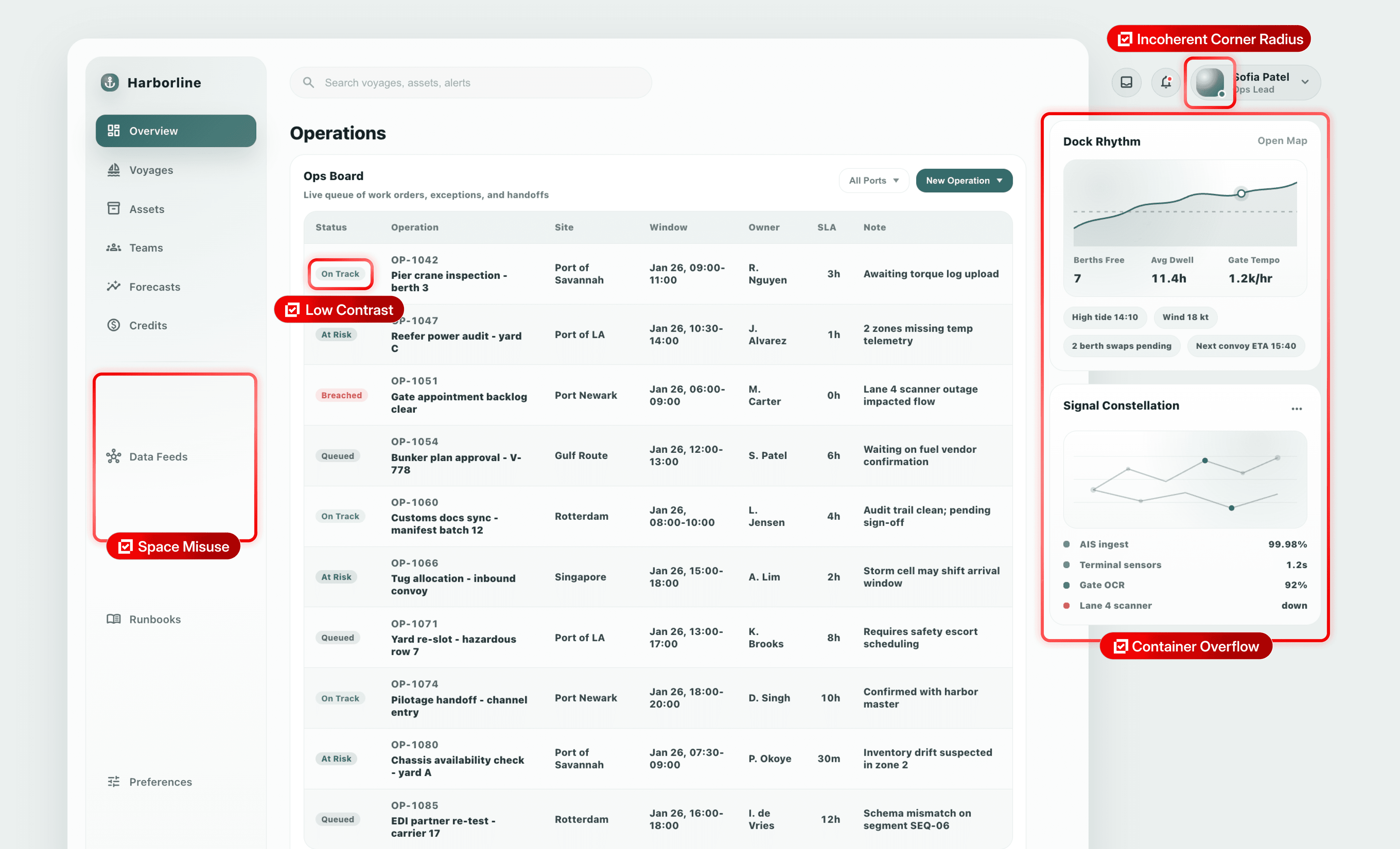
UI issues such as clipped content, overflow, low contrast, and obscured hit targets are often hard to catch from source code alone.
Instead, ViewLint validates your UI the same way a human does, looking at and interacting with the actual rendered browser output to catch potential issues.
UI's Broken Feedback Loop
LLMs are fantastic at writing code. They're not so great at making UI.
As it turns out, that's because Coding Agents have a closed feedback loop to validate their code and logic. But when it comes to UI, inspecting the DOM tree manually and taking screenshots just aren't concrete and actionable enough to close that feedback loop.
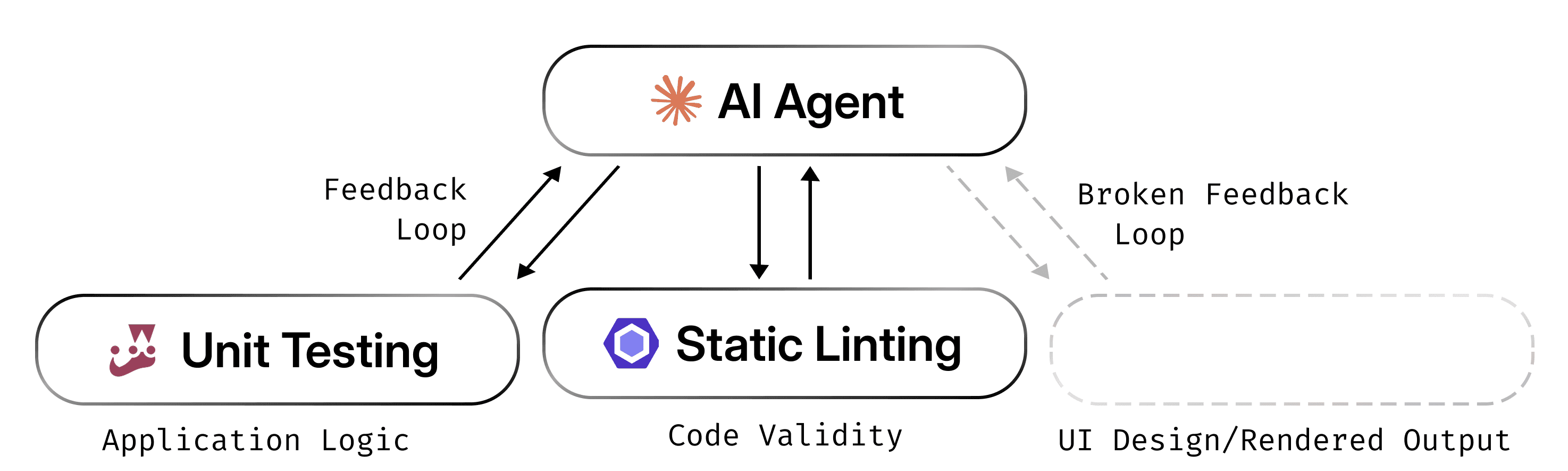
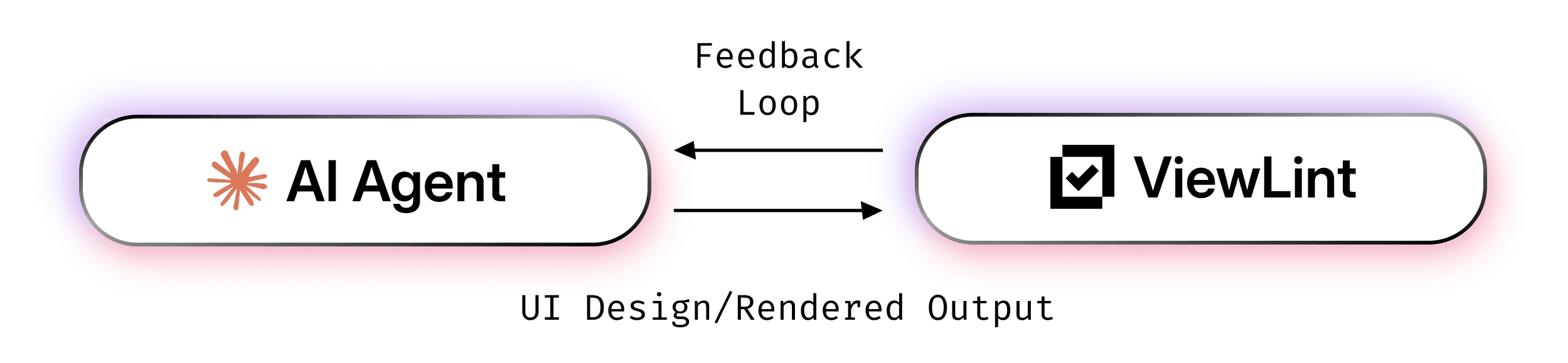
ViewLint closes the feedback loop with UI design, allowing the agent to get live, actionable feedback on the rendered output of the website it's working on.
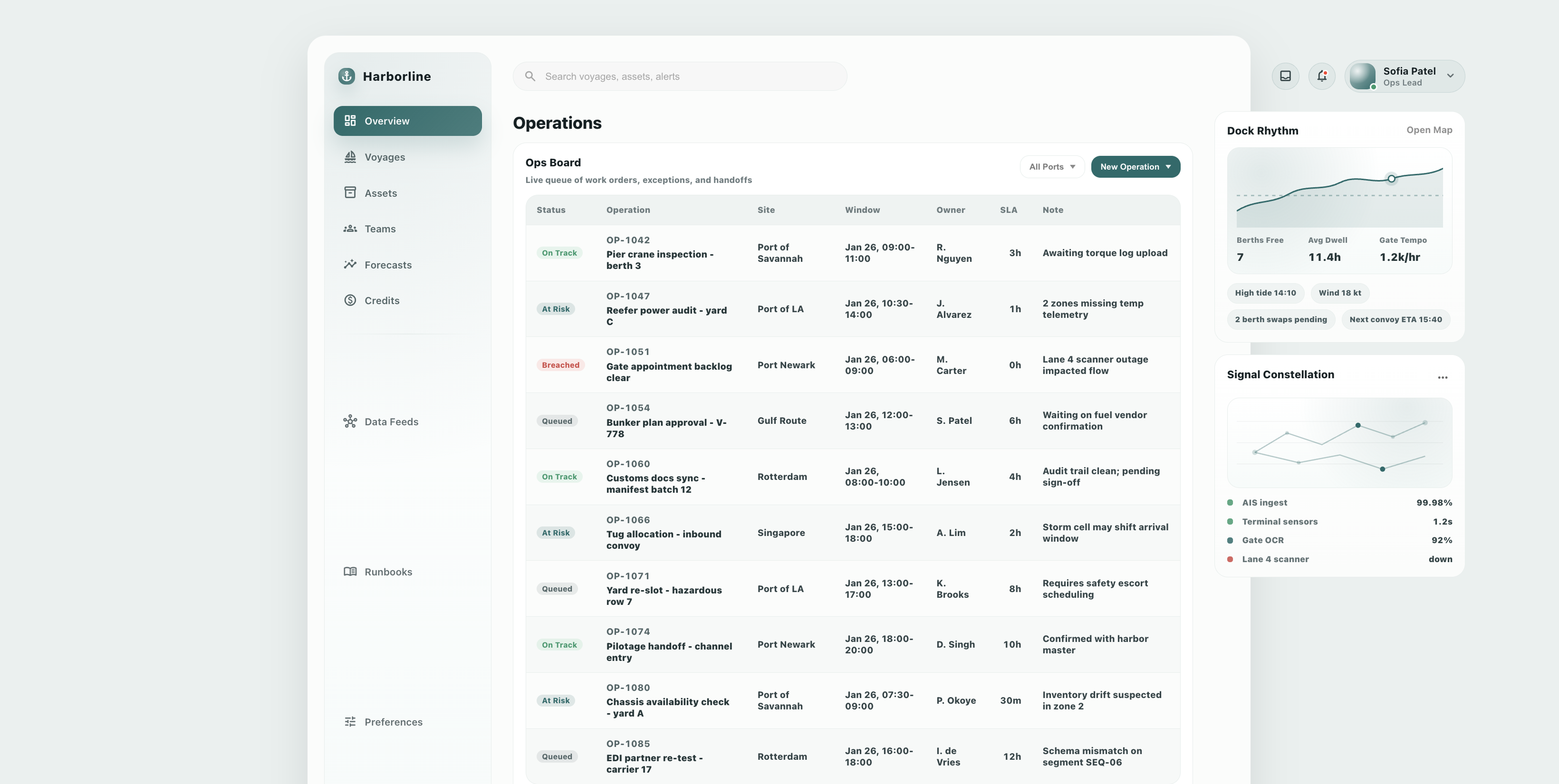
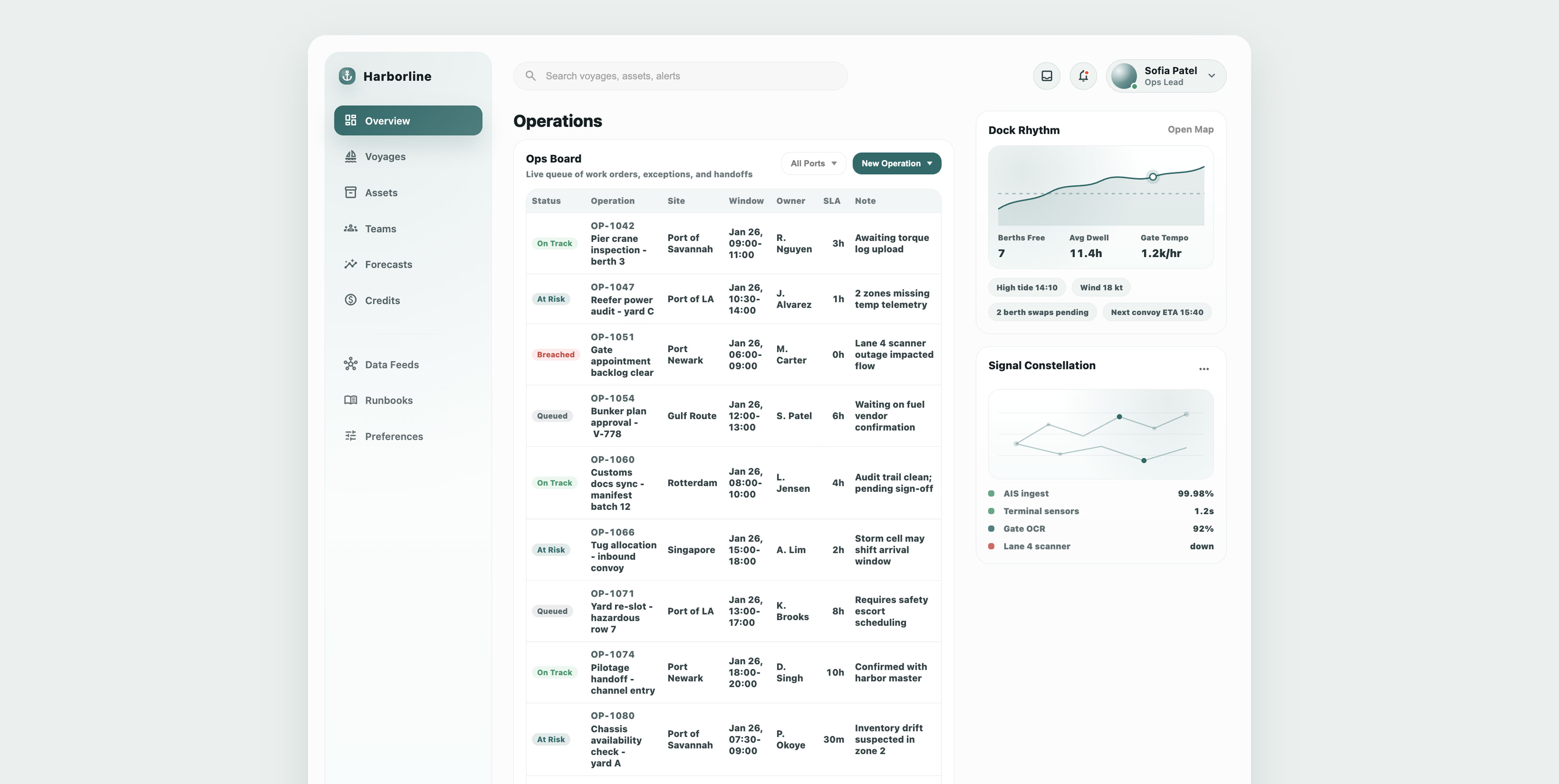
ViewLint significantly improves the UI design performance of AI Agents. Compare the same UI created with and without ViewLint by dragging the slider below.